
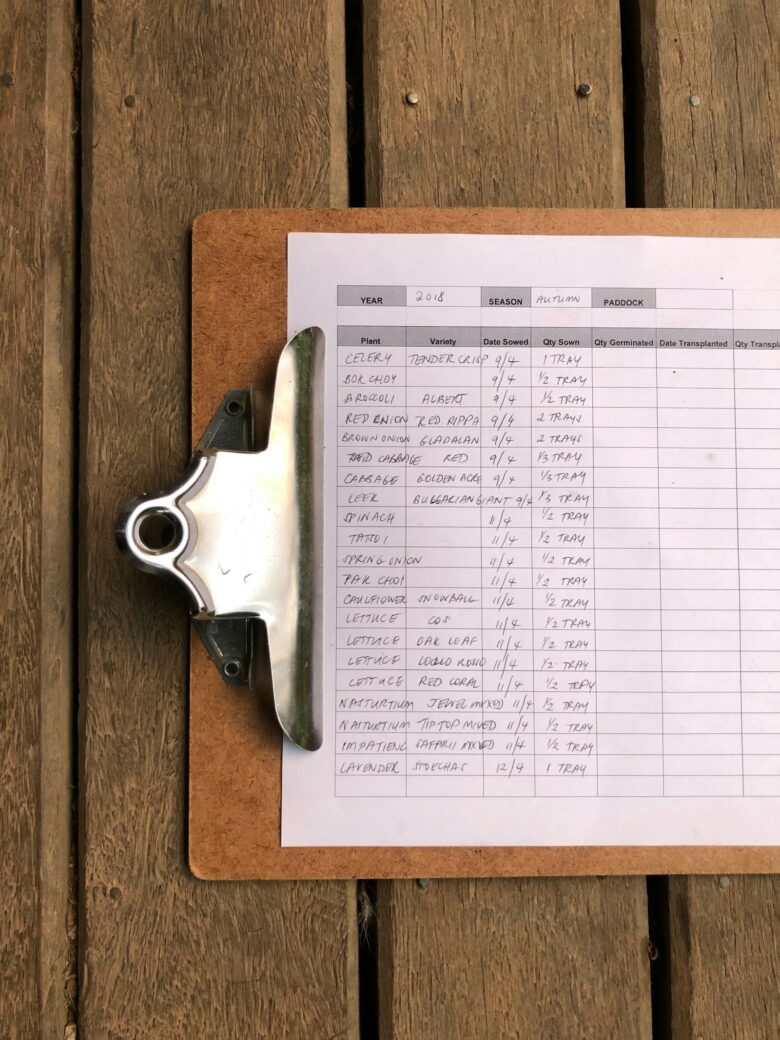
A customer orders something your website says is in stock, and you can’t find it. Or you reorder a product only to discover three boxes of it in the back room. Once you’re tracking more than a few dozen products, a spreadsheet stops being enough. Here’s a practical look at the best inventory software for small businesses, what each one is good at, and how to choose without overpaying.
Signs you’ve outgrown a spreadsheet
- You sell in more than one place (a shop, a website, a marketplace) and stock numbers don’t match.
- You run out of best-sellers without warning.
- Counting stock takes a full day.
- More than one person updates the spreadsheet, and versions get mixed up.
- You can’t easily tell which products make money and which just sit on shelves.
Features that matter for small businesses
- Real-time stock levels that update when you sell or receive goods.
- Low-stock alerts and reorder points.
- Barcode scanning, ideally with a phone camera so you don’t need special hardware right away.
- Sales channel integrations with your point of sale, online store or marketplaces.
- Purchase orders and supplier records.
- Multiple locations if you have a store and a warehouse.
- Reports on best-sellers, slow movers and stock value.
Free plans and pricing tiers change often. Check the current limits on products, orders, users and locations on each official website.
The best inventory software for small businesses
1. Zoho Inventory
Best all-rounder for growing product businesses.
Zoho Inventory handles stock across warehouses, sales and purchase orders, and integrations with online stores, marketplaces and shipping carriers. It has a free tier with limits on orders and users, and connects with Zoho Books for accounting.
- Pros: very complete, good integrations, a free plan to start.
- Cons: lots of features means a learning curve.
2. Sortly
Best for tracking items and supplies visually.
Sortly organizes inventory with photos, folders and QR codes or barcodes you scan with a phone. It’s popular with businesses that track equipment, tools or supplies, not just products for sale.
- Pros: very easy to use, excellent mobile app.
- Cons: less focused on sales orders and online store syncing.
3. inFlow Inventory
Best for wholesale and B2B businesses.
inFlow covers purchasing, sales orders, manufacturing basics, barcodes and a B2B ordering portal for your wholesale customers.
- Pros: strong for distributors and small manufacturers.
- Cons: paid plans; more than a simple shop needs.
4. Square for Retail
Best for physical shops already using Square.
If you sell in person with Square, its retail tools track stock automatically with every sale, send low-stock alerts and sync with Square Online.
- Pros: inventory and point of sale in one system.
- Cons: depends on Square, which is only available in certain countries; advanced features are paid.
5. Odoo Inventory
Best for businesses that want to grow into a full system.
Odoo is a suite of business apps (inventory, sales, accounting, website, CRM). Its open-source Community edition can be self-hosted, and its online version offers paid plans, sometimes with a free option for a single app.
- Pros: powerful, modular, grows with you.
- Cons: setup takes time, and complex setups often need a consultant.

Which one fits your business?
- Online and in-person seller with several channels: Zoho Inventory.
- Tracking tools, equipment or supplies: Sortly.
- Wholesaler or small manufacturer: inFlow.
- Retail shop on Square: Square for Retail.
- Planning to run everything in one system: Odoo.
How to switch from a spreadsheet without chaos
- Clean your product list first. One row per product, with a unique SKU, name, cost, price and current quantity.
- Do a full stock count right before the switch so your starting numbers are accurate.
- Import using the software’s template. Most tools accept CSV files exported from Excel.
- Connect your sales channels and test with a few orders.
- Set reorder points for your best-sellers.
- Train everyone who receives or sells stock, so updates happen in one place only.
If you’re cleaning up product data in Excel before importing, our guides on VLOOKUP and XLOOKUP and pivot tables make it much faster. You might also want to connect your stock to one of the best invoicing tools for small businesses.
FAQ
Is there free inventory software for small businesses?
Yes. Several tools, including Zoho Inventory and Sortly, have free plans with limits on items, orders or users. Odoo Community is free to self-host. Free plans work well for testing and very small catalogs.
Do I need a barcode scanner?
Not at first. Many inventory apps scan barcodes with your phone camera. A dedicated scanner becomes worth it when you receive or count large amounts of stock regularly.
Can inventory software sync with my online store?
Most do, through integrations with platforms like Shopify, WooCommerce, Amazon or eBay. Check the integration list for your exact store before you subscribe.
How often should I count inventory?
Even with software, do regular spot checks. Many small businesses count fast-moving products weekly or monthly and do a full count once or twice a year.