
Introduction Many Android users notice the same problem after using a phone for months or years. Apps take longer to open, the device feels less responsive, storage fills up quickly, and everyday tasks that once felt smooth become frustrating. This slowdown is common, but it does not always mean your phone is damaged or unusable. …

The Google Play Store offers millions of Android apps, making it easier than ever to find tools for productivity, entertainment, education, and everyday tasks. While having so many choices is convenient, it also makes it easier to download apps that are unnecessary, poorly designed, or even unsafe. Many people install apps because they are trending …
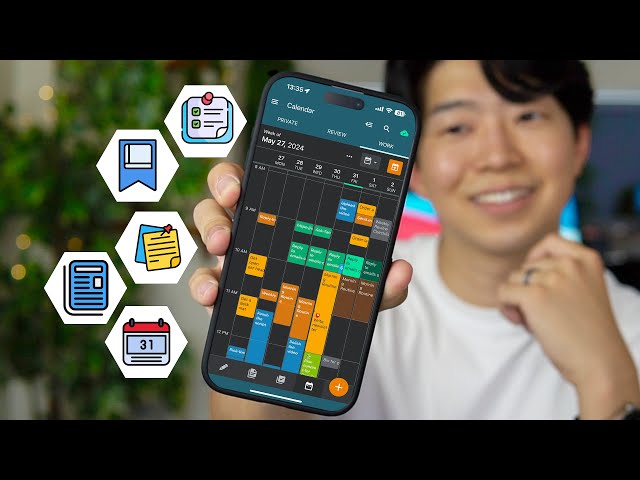
Your Android phone can either help you stay organized or become another source of distractions. Between work, school, family responsibilities, shopping lists, appointments, passwords, and personal goals, it is easy to lose track of important information. The good news is that you do not need expensive software to stay organized. Many free Android apps offer …
Your Android phone stores a huge amount of personal information. Photos, messages, contacts, banking apps, passwords, and private documents are all stored on a device that you carry every day. Because smartphones have become so important, they have also become targets for cybercriminals. Malware and fake apps are designed to trick users into installing harmful …
Installing new Android apps is easy, but choosing the right ones requires more thought. With millions of apps available, it can be difficult to know which apps are useful, trustworthy, and worth keeping on your phone. Many users install apps they only use once and forget about them. Over time, these unused apps take up …
Running out of storage space on your Android phone can be frustrating. You may see warnings that your device is almost full, apps may become slower, updates may fail, and taking new photos or videos may become difficult. Many people immediately start deleting personal photos, videos, or important documents because they think those files are …
A slow Android phone can turn simple tasks into frustrating experiences. Opening apps takes longer, typing feels delayed, scrolling becomes less smooth, and switching between tasks may cause freezing or lag. Many people assume a slow phone means they need a new device. However, that is often not true. In many cases, performance problems happen …
Your Android phone does not have to look and feel like everyone else’s device. Many users download multiple customization apps, launchers, icon packs, and wallpaper tools without realizing that Android already includes many powerful personalization options. Modern Android versions allow you to change your phone’s appearance, layout, colors, sounds, and behavior using built-in settings. These …
A slow Android phone can make even simple tasks frustrating. Apps take longer to open, web pages load slowly, the keyboard may lag while typing, and switching between apps becomes less responsive. While it’s easy to assume your phone is too old, many performance problems have simple solutions. Over time, every smartphone collects temporary files, …
One of Android’s biggest strengths is its flexibility. Unlike many other mobile operating systems, Android allows users to personalize the appearance and behavior of their phones in many different ways. The best part is that you don’t always need third-party apps or custom launchers to make your device feel unique. Many Android phones already include …