
You tap an app. The splash screen flashes. Then — nothing. Back to the home screen. No error message. No explanation. Just a silent death. You tap again. Same result. Your banking app won’t open. Your camera crashes mid-photo. Your game dumps you to the launcher right before you win. Here’s the thing — app …
You unlock your phone and stare at chaos. Forty-seven app icons. Five pages of folders. A widget for weather you never read. A clock widget showing the wrong time zone. And somewhere in this mess is the app you actually need — buried on page three, inside a folder called “Tools,” next to three apps …
Your phone looks like everyone else’s. Same icons. Same wallpaper. Same default Roboto font staring back at you from every app. You want something different. Something that feels like yours. But the word “root” makes your stomach clench — voided warranty, bricked devices, security nightmares. Here’s the thing — you don’t need root. In 2026, …
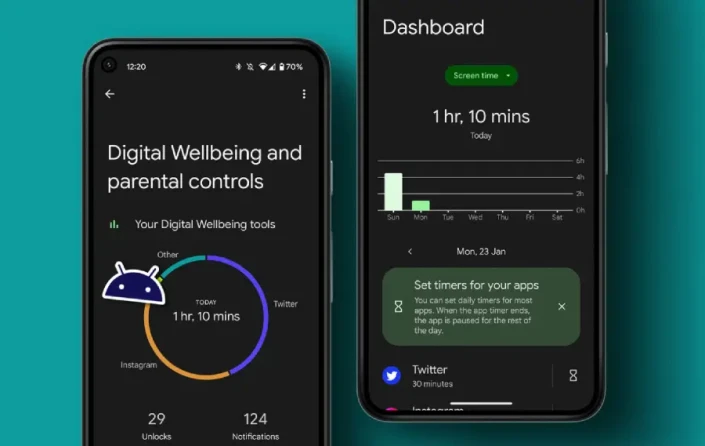
You unlock your phone. Check the time. 9:47 PM. You blink. It’s midnight. You’ve scrolled through 400 Instagram posts, watched 12 YouTube Shorts, and somehow ended up reading about medieval siege weapons on Wikipedia. Three hours vanished. And you were supposed to be asleep an hour ago. Here’s the thing — your phone isn’t designed …
You take a photo on your phone. You need it on your laptop for editing. You email it to yourself. Download it. Find it in Downloads. Drag it to your project folder. Twenty minutes later, you’ve moved one file. Here’s the thing — this shouldn’t happen. In 2026, with Android 16, Windows 11, and macOS …
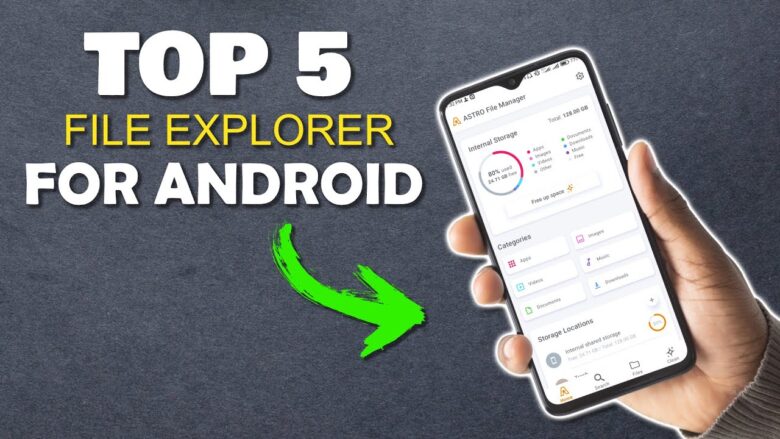
Your Downloads folder has 400 files. Your screenshots folder is a graveyard of memes and expired QR codes. You have three copies of the same PDF, named “document.pdf,” “document(1).pdf,” and “document_final_ACTUAL.pdf.” And when you need that one photo from last March? You scroll for five minutes, give up, and take a new one. Here’s the …
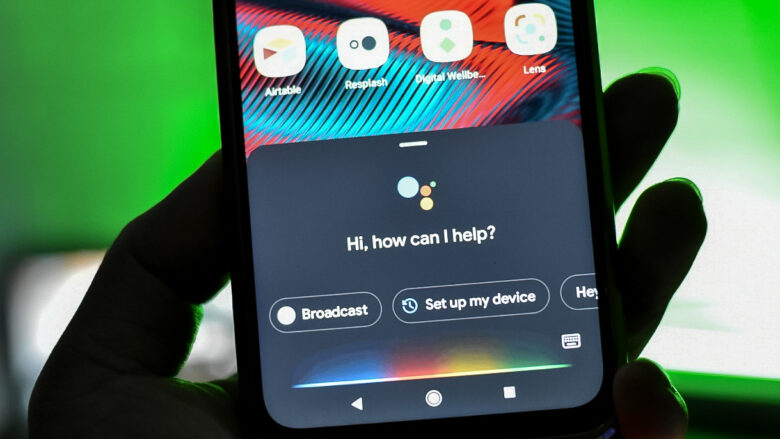
You wake up. Turn off the alarm. Open the blinds. Check the weather. Start the coffee. Read the news. Check your calendar. Reply to urgent messages. By the time you’re dressed, you’ve made 30 decisions and touched your phone 15 times. And it’s only 7:15 AM. Here’s the thing — your Android phone can do …
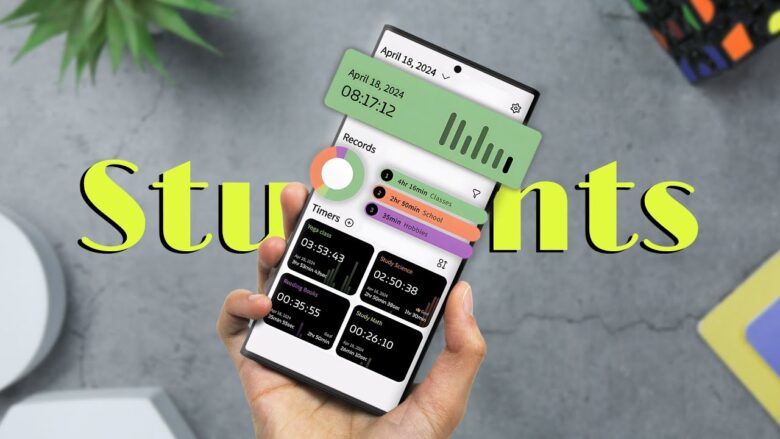
You sit down to study. Your phone buzzes. Instagram. You check it. Twenty minutes vanish. You open your notes app. It takes six seconds to load. You forgot your flashcards at home. Your assignment is due in three hours and you can’t find the PDF. Here’s the thing — your phone isn’t the enemy. It’s …
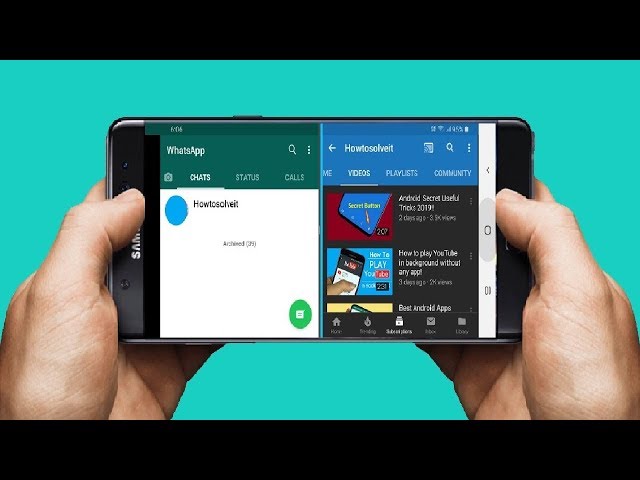
You’re watching a YouTube tutorial. You need to take notes. You switch apps. The video pauses. You switch back. You forgot the step. You switch again. By the third switch, you’ve lost your place, your patience, and your afternoon. Here’s the thing — split screen isn’t a gimmick. In 2026, with Android 16’s improved multitasking …
You open your notes app to jot down a meeting idea. It takes eight seconds to load. Your last three notes didn’t sync. The search can’t find that password you saved last month. You close it, open your phone’s default memo app, and forget the idea by the time it loads. Here’s the thing — …