

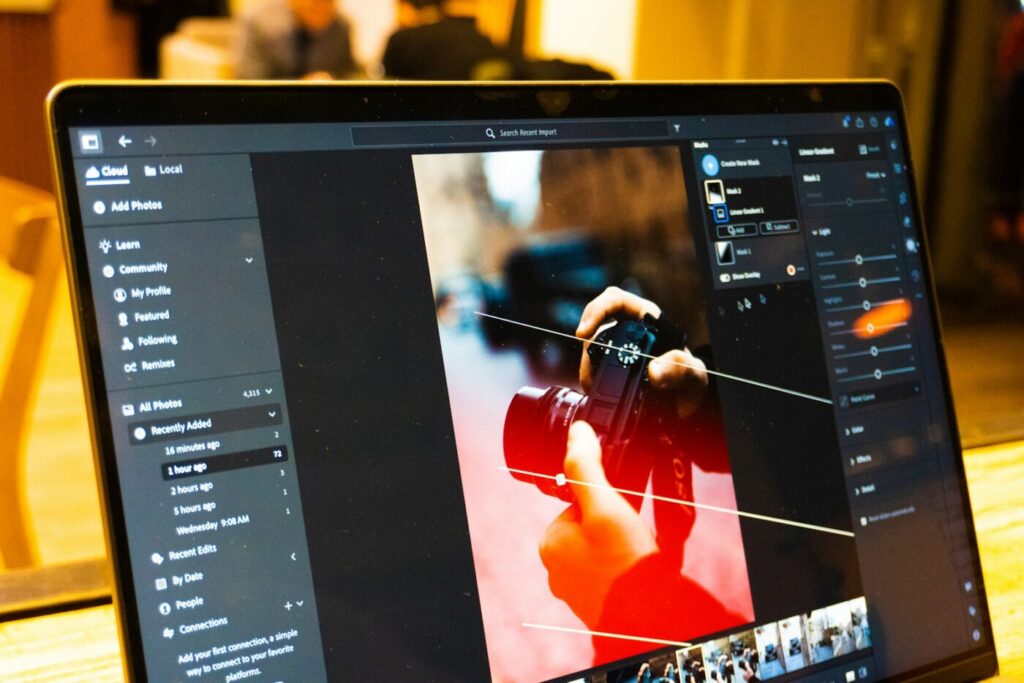
Adobe Lightroom is the go-to tool for organizing and editing photos, but it’s only available through a monthly subscription. If you shoot with a camera or phone and want to fix exposure, colors and white balance, or edit RAW files, you can do it without paying. Here are the best free alternatives to Lightroom, what each one is good at, and how to choose.
What Lightroom does (and what you need to replace)
Lightroom combines two jobs:
- Organizing: importing photos, rating, tagging, searching and sorting thousands of images.
- Editing: non-destructive adjustments to exposure, contrast, color, white balance and sharpness, especially on RAW files from cameras.
Some free apps do both; others focus on editing. Think about which part matters more to you before choosing.
The best free alternatives to Lightroom
1. darktable
Best overall free Lightroom alternative.
darktable is free and open source, available for Windows, Mac and Linux. Like Lightroom, it has a lighttable view for organizing and a darkroom view for non-destructive editing, with support for RAW files from most cameras.
- Pros: very powerful, true Lightroom-style workflow, no cost.
- Cons: a steep learning curve; tools are named and arranged differently from Lightroom.
2. RawTherapee
Best for detailed RAW processing.
RawTherapee is another free, open-source RAW editor known for excellent image quality and detailed control over noise reduction, sharpening and color.
- Pros: superb RAW conversion, many advanced tools.
- Cons: weaker photo organizing than darktable; the interface is technical.
3. digiKam
Best for organizing large photo libraries.
digiKam is a free, open-source photo manager with strong tagging, face recognition, ratings and search. It includes basic editing tools and can open RAW files.
- Pros: excellent organization for big collections.
- Cons: editing is more basic than darktable or RawTherapee. Many people pair digiKam for organizing with darktable for editing.
4. Windows Photos app
Best for quick, simple edits.
The Photos app built into Windows 11 can crop, straighten, adjust light and color, apply filters and remove small spots. It’s limited, but already installed.
- Pros: nothing to install, very easy.
- Cons: basic tools and limited RAW support.
5. Snapseed (for phones)
Best free editor for phone photos.
Google’s Snapseed is free for Android and iPhone and offers precise tools like selective adjustments, healing and curves. It’s a great choice if most of your photos come from your phone.
- Pros: powerful for a free mobile app, no ads.
- Cons: no Windows version and no photo library management.
Which one should you choose?
- You want the closest thing to Lightroom: darktable.
- You care most about RAW image quality: RawTherapee.
- You have thousands of photos to organize: digiKam, optionally with darktable for edits.
- You only make quick fixes: Windows Photos.
- You edit on your phone: Snapseed.
Need heavier edits like removing objects or combining images? That’s Photoshop territory; see our list of free alternatives to Photoshop.
Tips for switching from Lightroom
- Keep your original files. Lightroom edits are stored separately from your photos, so your originals are safe, but those edits won’t transfer to other apps. Export finished photos as JPEG from Lightroom before you cancel if you want to keep them.
- Start with a few photos. Learn the basic adjustments (exposure, white balance, contrast) before importing your whole library.
- Use the same folder structure, such as Year > Month > Event. Most free tools work directly with your existing folders.
- Back up your photos. Photo libraries are irreplaceable; our guide to the best free backup software for Windows shows easy ways to protect them.
- Watch your disk space. RAW files and previews take a lot of room. Follow our steps to free up space on drive C if it fills up.
FAQ
What is the best free alternative to Lightroom?
darktable is the most complete free alternative, with both organizing and non-destructive RAW editing. RawTherapee is excellent for editing quality, and digiKam is best for managing large libraries.
Can free programs edit RAW photos?
Yes. darktable, RawTherapee and digiKam support RAW files from most camera brands. Very new camera models may need an app update before their RAW files are supported.
Is there a free version of Lightroom?
The Lightroom mobile app has free basic editing features, but the full desktop version and many advanced tools require an Adobe subscription.
Can I import my Lightroom edits into darktable?
darktable can import some basic adjustments from Lightroom’s XMP files, but most edits won’t transfer exactly. Plan to re-edit important photos or export them from Lightroom first.